Let's Screw Around with Scrollend
Fri Feb 13 2026
Introduction
Welcome to the first blog of the new year! I have been focused on some other things but wanted to make a quick post for some fun css stuff because why not? When I’m bored I’ll browse web.dev and look at the new web elements that I’ve missed. One that caught my eye today was the scrollendevent! So let’s screw around with it!
What Is Scrollend?
Scrollend is an event that triggers when a user reaches the end of a scrollable area. From mdn:
“Scrolling is considered completed when the scroll position has no more pending updates and the user has completed their gesture.”
Fun! Let’s get into it.
Setup
So, this is a minimal set up to demonstrate how this API works. I have three files in my root directory.
index.htmlmain.cssapp.js
The magic takes place in app.js, so I’ll dedicate a section to that. Let’s review index.html and main.css.
Index.html is a basic html page. Take note of the container div and the output div.
<!DOCTYPE html>
<html lang="en">
<head>
    <meta charset="UTF-8">
    <meta name="viewport" content="width=device-width, initial-scale=1.0">
    <title>Document</title>
    <link rel="stylesheet" href="main.css">
    <script src="https://cdn.jsdelivr.net/npm/@tailwindcss/browser@4"></script>
</head>
<body class="body">
    <div id="container">
    <h1 class="text-3xl text-center">
        Fun, fun fun!
    </h1>
        <div id="output">

        </div>
</body>
<script src="app.js"></script>
</html>
Next, main.css:
body{
    background-color:plum;
}
#container{
    height:150vh;
    overflow:scroll;
}
#output{
    height:100%;
}
I set the background color to plum because I thought it was nice. Since we’re using vh as a unit in the #container css, the height will always be larger than the viewport. If you're unfamiliar with vh and vw, you should read more here; they are really great.
Overflow is set to scroll, because we need that for any of this to work. #output is set to 100% of the page height.
This is what we’re working with:
Basic Scroll
Now, for the magic. In app.js we have the following code:
const element = document.querySelector("div#container");
const output = document.querySelector("div#output")


element.addEventListener("scrollend", (event)=>{
    console.log("we've reached the end!")
    console.log(output);
})
Let go through it line by line.
First, we have the space in which we’re scrolling declared as the element, captured by the query selector which selects the div with the id #container.
Next, we have our output element, captured with the id #output.
Then, we have the eventListener. This listens for the event “scrollend” and when it “hears it” the function runs. In this case, the function sends two messages to our console, a little note and the output element itself.
Let’s give it a shot.
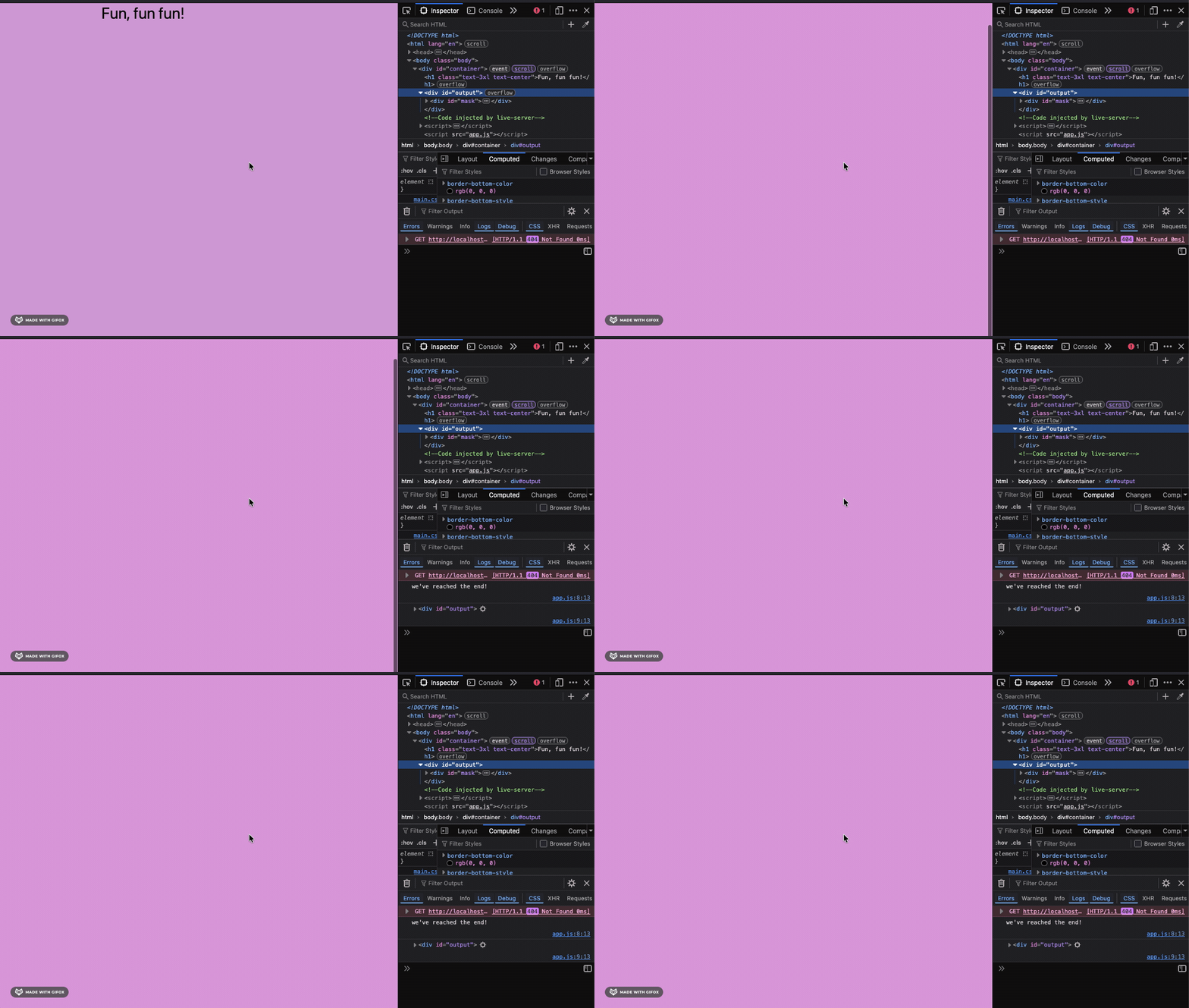
Cool!
Now let’s do something fun with this.
Fun Stuff
My goal here is to trigger an animated icon that floats around the screen when we hit the end of our scrolling. I’m going to add an icon I found on icones.js in a div with the id “mask”. My index.html now looks like:
<!DOCTYPE html>
<html lang="en">
<head>
    <meta charset="UTF-8">
    <meta name="viewport" content="width=device-width, initial-scale=1.0">
    <title>Document</title>
    <link rel="stylesheet" href="main.css">
    <script src="https://cdn.jsdelivr.net/npm/@tailwindcss/browser@4"></script>
</head>
<body class="body">
    <div id="container">
    <h1 class="text-3xl text-center">
        Fun, fun fun!
    </h1>
        <div id="output">
            <div id="mask" class="move"><svg xmlns="http://www.w3.org/2000/svg" width="32" height="32" viewBox="0 0 24 24"><!-- Icon from Material Symbols by Google - https://github.com/google/material-design-icons/blob/master/LICENSE --><path fill="currentColor" d="M12 17q1.65 0 2.825-1.175T16 13H8q0 1.65 1.175 2.825T12 17m0 5q-1.875 0-3.512-.712t-2.85-1.925t-1.925-2.85T3 13V2h18v11q0 1.875-.712 3.513t-1.925 2.85t-2.85 1.925T12 22M7 9h4q0-.825-.587-1.412T9 7t-1.412.588T7 9m6 0h4q0-.825-.587-1.412T15 7t-1.412.588T13 9"/></svg></div>
        </div>
</body>
<script src="app.js"></script>
</html>
In main.css, I’ll start the mask hidden (using the visibility property) and bind it to the animation that I’ll call mask-move. I’m also going to have the animation paused to begin with.
In the @keyframe block, I’ll move the mask across the screen from the top left to the bottom right and I’ll change the color from blue to coral. My css looks like:
body{
    background-color:plum;
}
#container{
    height:150vh;
    overflow:scroll;
}
#output{
    height:100%;
}
#mask{
    animation-name:mask-move;
    animation-duration: 1s;
    animation-iteration-count: infinite;
    animation-direction: alternate;
    animation-play-state: paused;
    visibility: hidden;
    filter:drop-shadow(1vw 1vw 1vw);
}

@keyframes mask-move{
    100%{
        transform: translateY(100vh) translateX(100vw);
        color:coral;
    }
    0%{
        transform: translateY(10vh);
        color:blue;
    }
}
Finally, in the app.js file, we’ll select the mask element and change the event function to modify the visibility property on the mask to visible, and we’ll change the animation-play-stateto running.
const element = document.querySelector("div#container");
const output = document.querySelector("div#output")
const mask = document.querySelector("div#mask")

element.addEventListener("scrollend", (event)=>{
    mask.style["visibility"] = "visible";
    mask.style["-moz-animation-play-state"]="running"
})
Lets try it out!
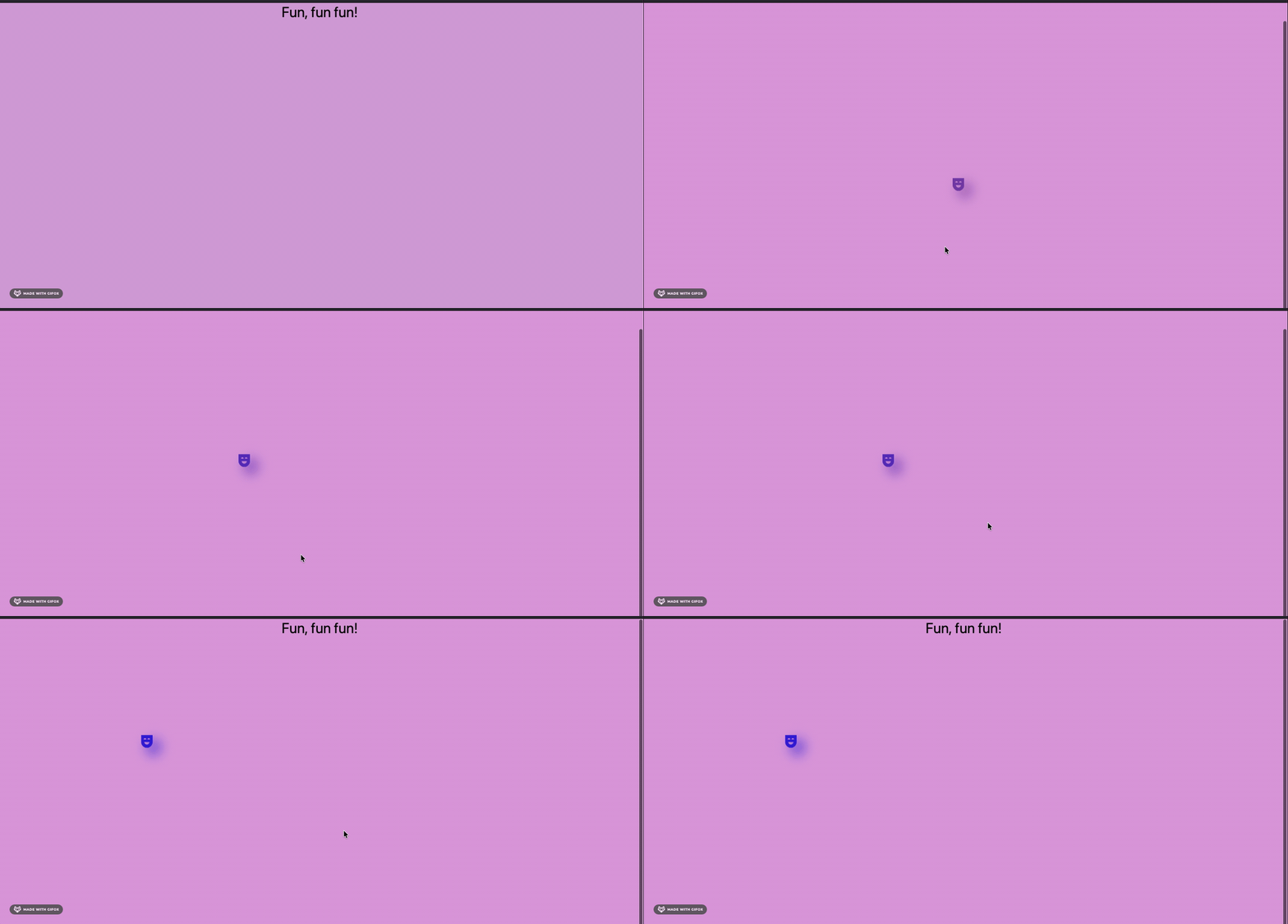
Sick!
Conclusion
So that’s a basic peek into scrollend for you! I’m sure there’s a lot of cool stuff you can do with it, and I look forward to exploring more with it in the future. Be sure to keep an eye on this blog for more explorations of new features and don’t forget to check out web.dev!
Until next time! Peace!